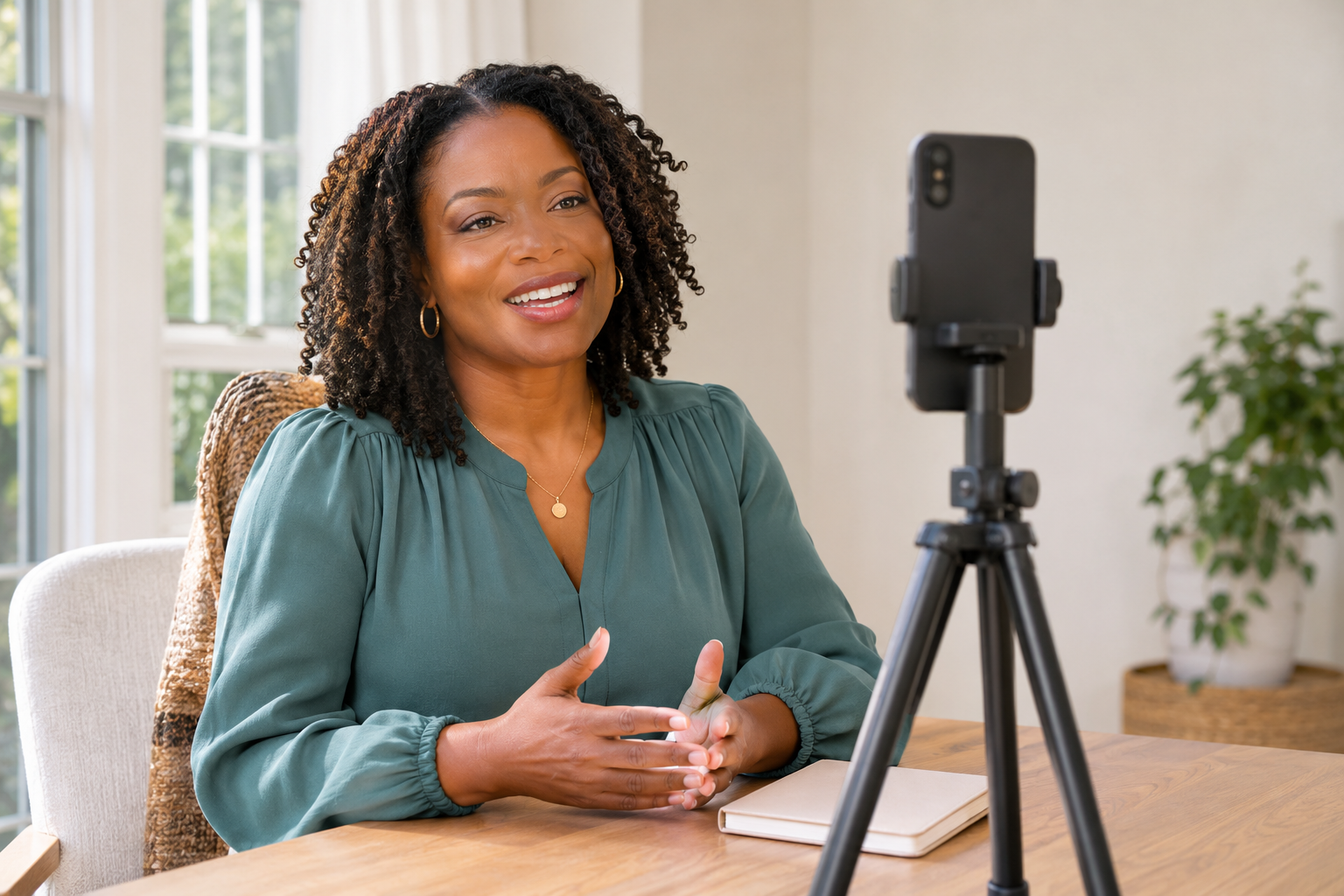
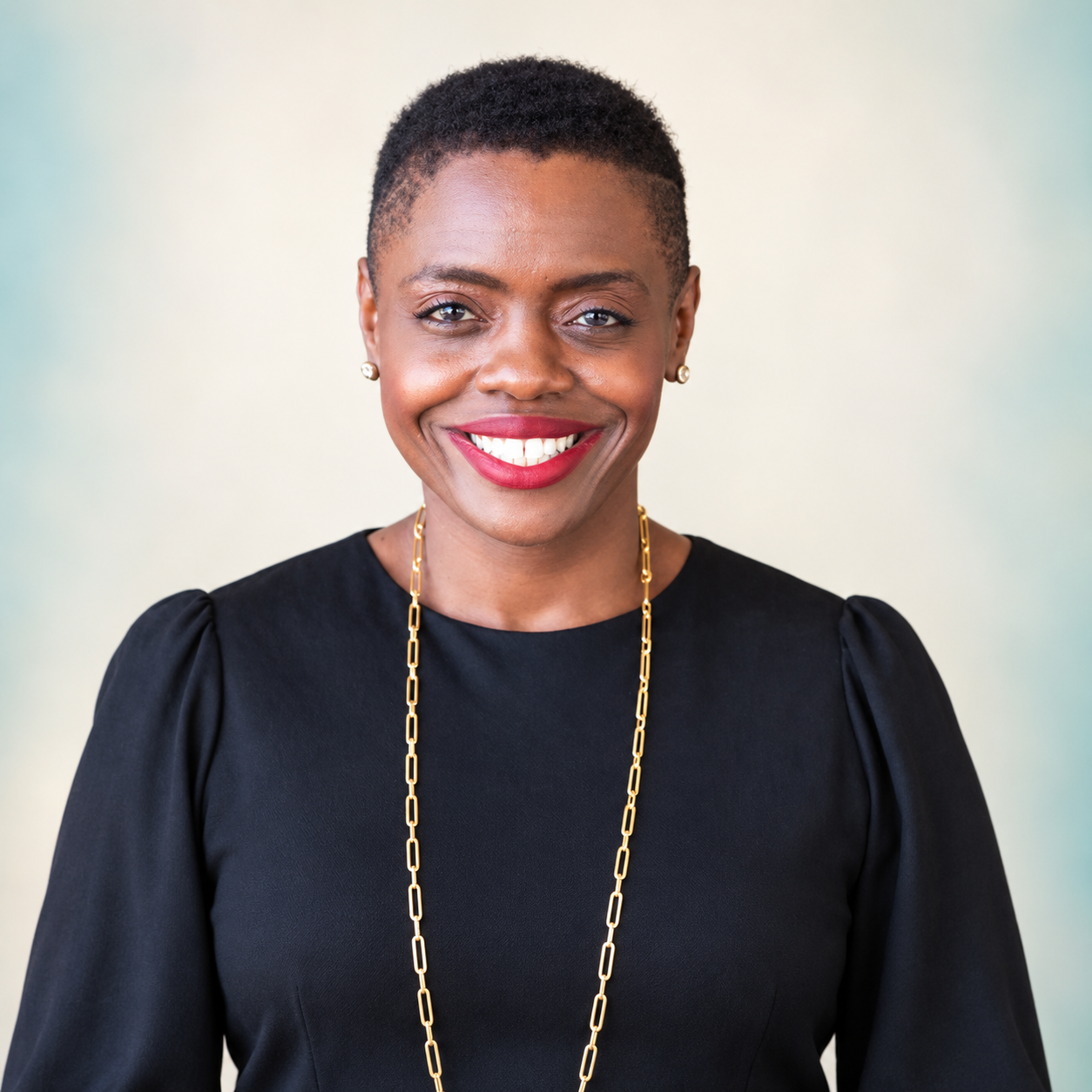
Use ChatGPT and clear reference photos to recreate your video moment as a realistic cover image.
01Choose the momentVideo frame + clear photos
→
02Recreate the sceneCheck the likeness and details
→
03Finish your coverAdd text, check the crop, save
CHOOSE HOW YOU WANT TO LEARN
Turn your video scene into a cover.
STEP 1 OF 6
Start with the scene you want to keep.
Choose a frame or screenshot that shows the outfit, pose, room and camera angle you want. Add one or two clear, recent photos of your face.
Scene imageOutfit · room · poseClear photosYour current appearance
Step 1 of 6
Use images you own or have permission to use. Your photos and cover files stay in the tools you choose; this page does not collect or store them. ChatGPT image features and limits vary by account.
YOUR TAKE-WITH-YOU TOOL
Borrow the prompt. Make it yours.
Replace the bracketed fields before you paste the prompt into ChatGPT.
Create a new, photorealistic portrait for my video cover using the images I’ve uploaded.
Use [SCENE IMAGE] as the reference for the outfit, room, camera angle, pose and overall feeling.
Use [CLEAR PORTRAIT PHOTOS] as the reference for my facial features and current appearance. Prioritize these clear photos for my likeness rather than guessing from the blurry frame.
Keep my face, skin tone, hair, body proportions and everyday makeup faithful to the references. Preserve natural skin texture. Avoid beauty filters, exaggerated retouching or changes to my age or body shape.
Create a crisp, naturally lit image that closely reflects the scene. Keep the clothing and room details consistent where they are visible. If the references conflict in a way that would materially change the result, ask me one short question before generating.
Compose it for [PORTRAIT / SQUARE / LANDSCAPE] use, with [HEAD-AND-SHOULDERS / WAIST-UP] framing. Leave clear space at [TOP / LEFT / RIGHT] for a headline. Keep my face comfortably inside the crop.
Generate the portrait without text, logos, borders or interface elements. I’ll add the cover design separately.
Expand for the targeted-revision prompt
Keep the current image’s composition, outfit, room and lighting. Change only [SPECIFIC DETAIL]. Use [REFERENCE IMAGE] to guide that correction. Preserve the other details as closely as possible.
BUILD ANATOMY · BEHIND THIS SAME PROMPT
The words are doing specific jobs.
Each instruction sets a boundary while leaving the model room to solve the image.
A
Assign the evidence
Prioritize these clear photos for my likeness
This tells the model which evidence to trust when a blurry frame and a clear portrait differ.
You check: Is the face recognizable?B
Name what stays
Preserve natural skin texture.
This discourages automatic smoothing and retouching that could change your appearance.
You check: Does this still feel like you?C
Separate image and layout
Generate the portrait without text, logos, borders or interface elements.
This keeps generated lettering out of the image, so typography stays under your control.
You check: Can the title fit without crowding the face?D
Protect approved work
Change only [SPECIFIC DETAIL].
This limits the scope of the revision so an approved detail is less likely to drift.
You check: Did anything else drift?
SEE THE WORKFLOW IN ACTION
Ace’s IG takeover carousel.
Explore the original eight cards at your own pace. Select a card, then press Play. Sound starts muted; turn it on when you’re ready.
Loading card 1 of 8…
One card plays at a time. Switching cards stops the video. Playback never advances automatically.
CARD 1 OF 8
Hi, I’m Ace.
Read this card’s text
From Ace’s IG takeover carousel. The example distinguishes the AI recreation from the original video frame.